🤖
VPN support onlySmart Support
Built-in help for installation, connection, account, devices, speed and access problems.
✓ Connection diagnosis
✓ Safe automatic fixes
✓ SmartTech VPN questions only
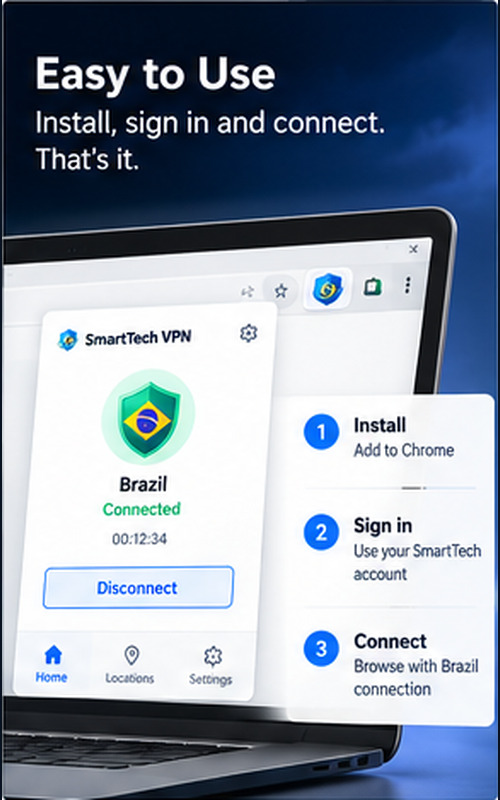
One account for Windows, Mac, iPhone, Android and Chrome. Choose your device, follow a simple setup and connect through Brazil.
Choosing a setup option does not consume a device slot. A device only counts after its first successful VPN connection.
Install WireGuard, open your SmartTech profile on the phone or scan the QR code from another screen.
Windows uses one SmartTech installer. Mac uses a personal WireGuard profile.
Chrome Web Store publication is pending. No Chrome device is created until installation is available.
A quick visual tour of the experience.
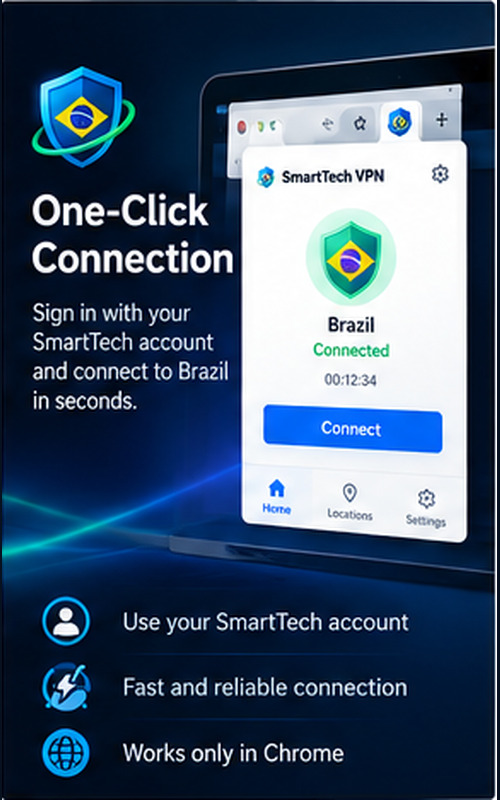

Built-in help for installation, connection, account, devices, speed and access problems.
SmartTech VPN uses operational telemetry for service health, device status, bandwidth and security. Browsing page content is not collected.
Privacy policyCreate your account and connect up to 3 active devices. Setup attempts do not count until the VPN actually connects.
Create account